


Image → listing
Upload a product photo. Nova writes the title, description, category and tags.
Nova · MCP · 160+ tools
Nova runs your store from a chat box with more than 160 tools — and the same toolkit hands itself to Claude, Cursor and ChatGPT over the Model Context Protocol.
New season
Made by hand, in Accra

Stoneware mug
$24.00
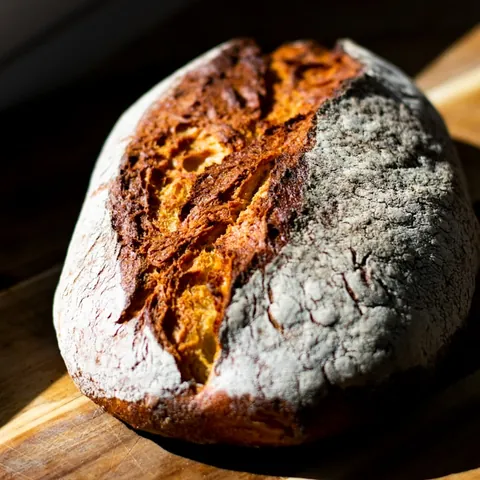
Sourdough loaf
$7.50
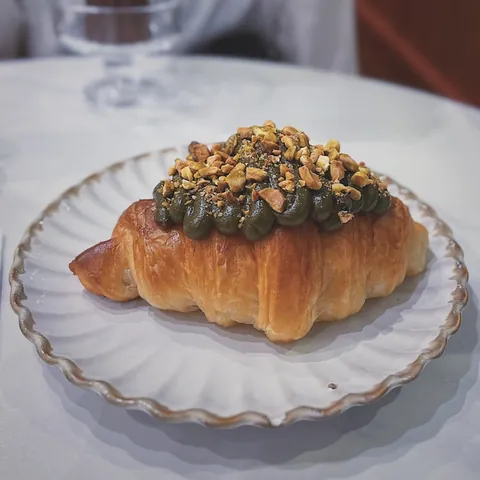
Almond croissant
$4.25
Two ways in

Open the panel, ask in plain words, and watch the action happen inline — streamed back as it runs.
Nova
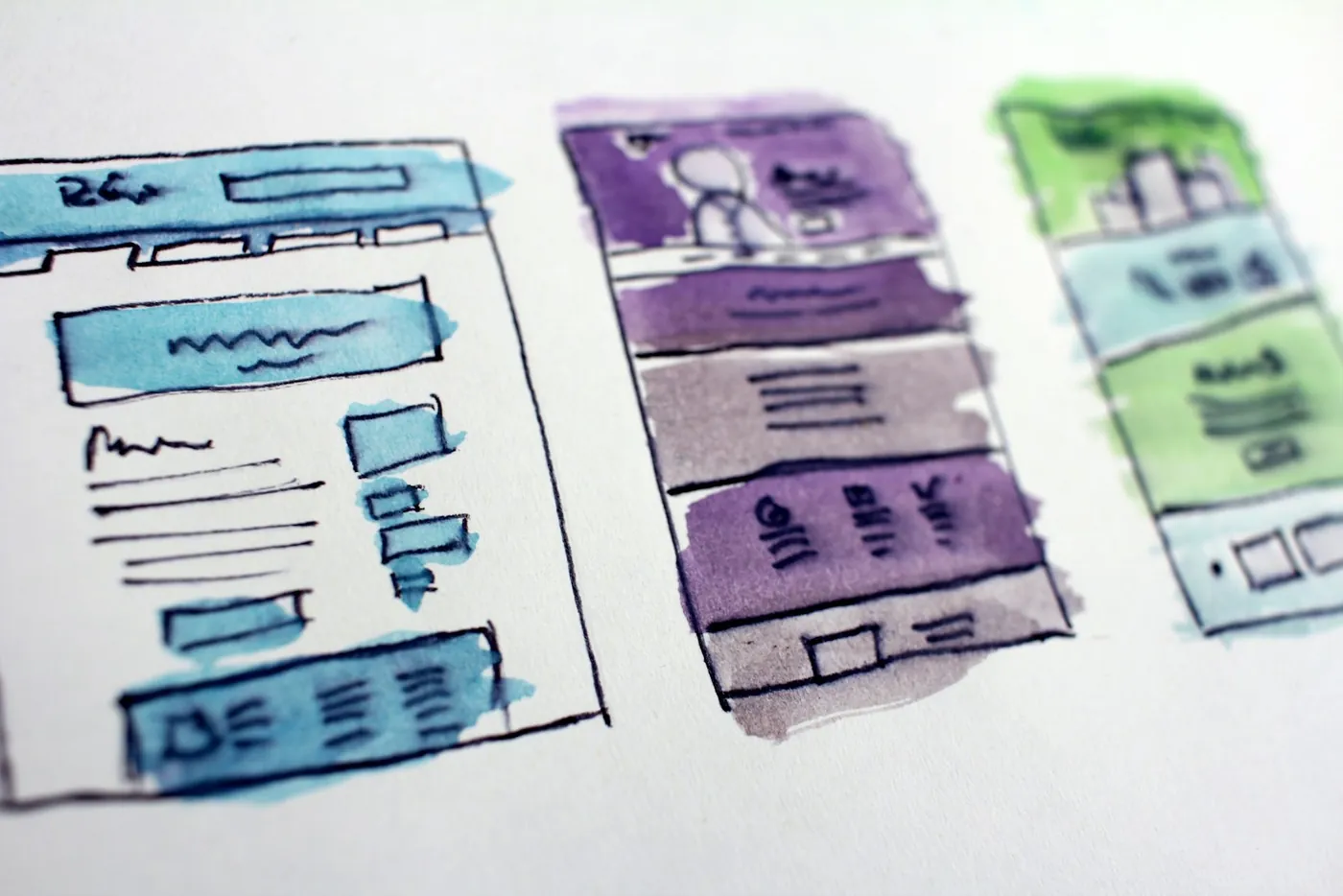
Describe the change and watch the theme thread apply it — every edit reversible, every step shown.
Theme thread · 4 changes · live
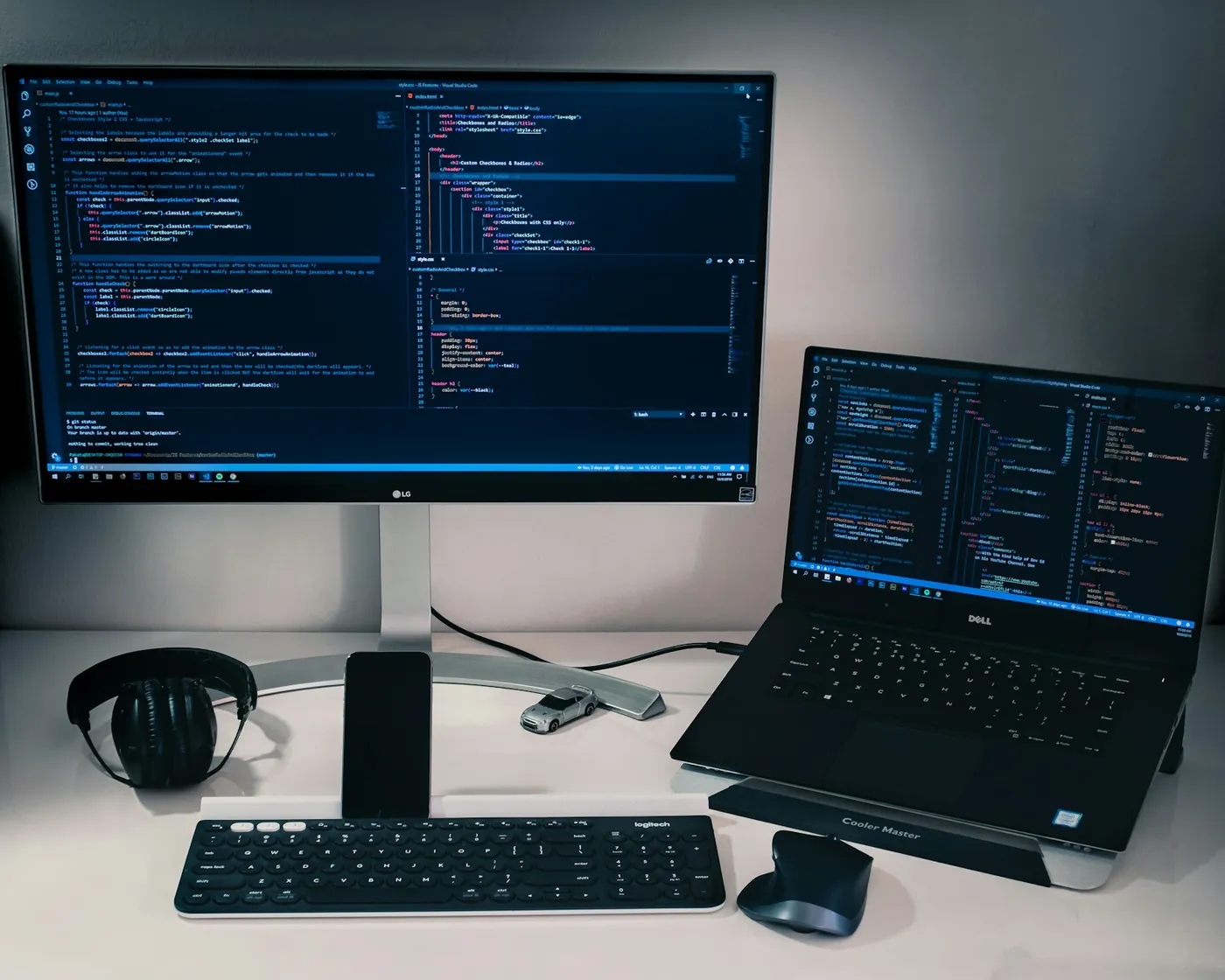
Point Claude Desktop, Claude Code or Cursor at your store and drive it from the editor you already live in.
AI Connector
Destructive work stages itself behind a one-tap confirmation, and anything in the toolkit can be put on a schedule.
Awaiting approval
Delete 47 products in the “Summer 2024” collection.
Nova AI · after launch
Ask in plain words, in any language. Nova works through the same tools as your admin, and anything destructive waits for your approval.
Upload a product photo. Nova writes the title, description, category and tags.
Ask about sales, stock or customers and get the number, not a dashboard to read.
The day's revenue, what moved, what needs attention, and one thing to do next.
Titles, meta descriptions and product copy rewritten to rank, in your voice.
What customers praise and what they raise, in a few lines.
Claude, ChatGPT or Cursor can open your store for you, then run it with the same 160+ tools Nova uses: products, orders, themes, discounts and the rest.
Connect your AIThe toolkit
More than 160 named tool calls, each hitting the exact endpoint your dashboard uses. Nothing is simulated — a product Nova creates is a product.
Products
8 tools
Orders
6 tools
Customers
5 tools
Analytics
7 tools
Themes & files
9 tools
Marketing
8 tools
Categories & menus
7 tools
Store settings
8 tools
Tax & zones
6 tools
Subscriptions
6 tools
Media & content
5 tools
Exports & webhooks
7 tools
Plus POS, apps marketplace, payments, snippets, socials, metafields and warehouse — and growing.
Setup · 3 minutes
Anything that speaks the Model Context Protocol over SSE plugs in. The same JSON block works in Claude Desktop, Claude Code and Cursor.
01
Settings → AI Connector → Generate. Valid for one year, scoped to one store.
02
Drop the JSON into your client's MCP config file — the same block works in all of them.
03
Reload the client. Your store is now native tools inside your editor.
AI-native

On-brand copy from a name, a category and a tone.
generate_product_description

Ask a question of the store and get the number, not a dashboard to read.
chat_with_data

Title, meta and body rewritten to rank, in your voice.
rewrite_for_seo

Upload a photo. Title, copy, tags and a price band come back.
image_to_listing

The top themes, good and bad, in one paragraph.
summarize_reviews

A short written digest of yesterday, waiting every morning.
nightly_briefing
Before · after
Four jobs that used to take an afternoon, and the single sentence that does each one now.
Bulk-discount summer items
Filter products, edit each, set sale price, save, repeat.
“Add 15% off every product in the Summer collection.”
update_product
Write 30 product descriptions
Open each product, write copy, run an external tool, paste back.
“Generate on-brand descriptions for the 30 unwritten products.”
generate_product_description
Find best converting traffic
Pull GA, cross-reference orders, build a spreadsheet, eyeball it.
“Which traffic source converts best this quarter?”
get_traffic_analytics
Refund a customer and restock
Open the order, refund lines, go to inventory, bump counts, email them.
“Refund order #1042 and restock the items.”
refund_order
Roughly five hours of work above, collapsed into about a minute and a half of asking.
Models, tokens, tenancy and what happens when Nova is asked to do something irreversible.
Still stuck? Email supportFree to start.
Start your free trial for $0.
Newsletter
New tools, playbooks and store teardowns — once a month, nothing else.